Pulse
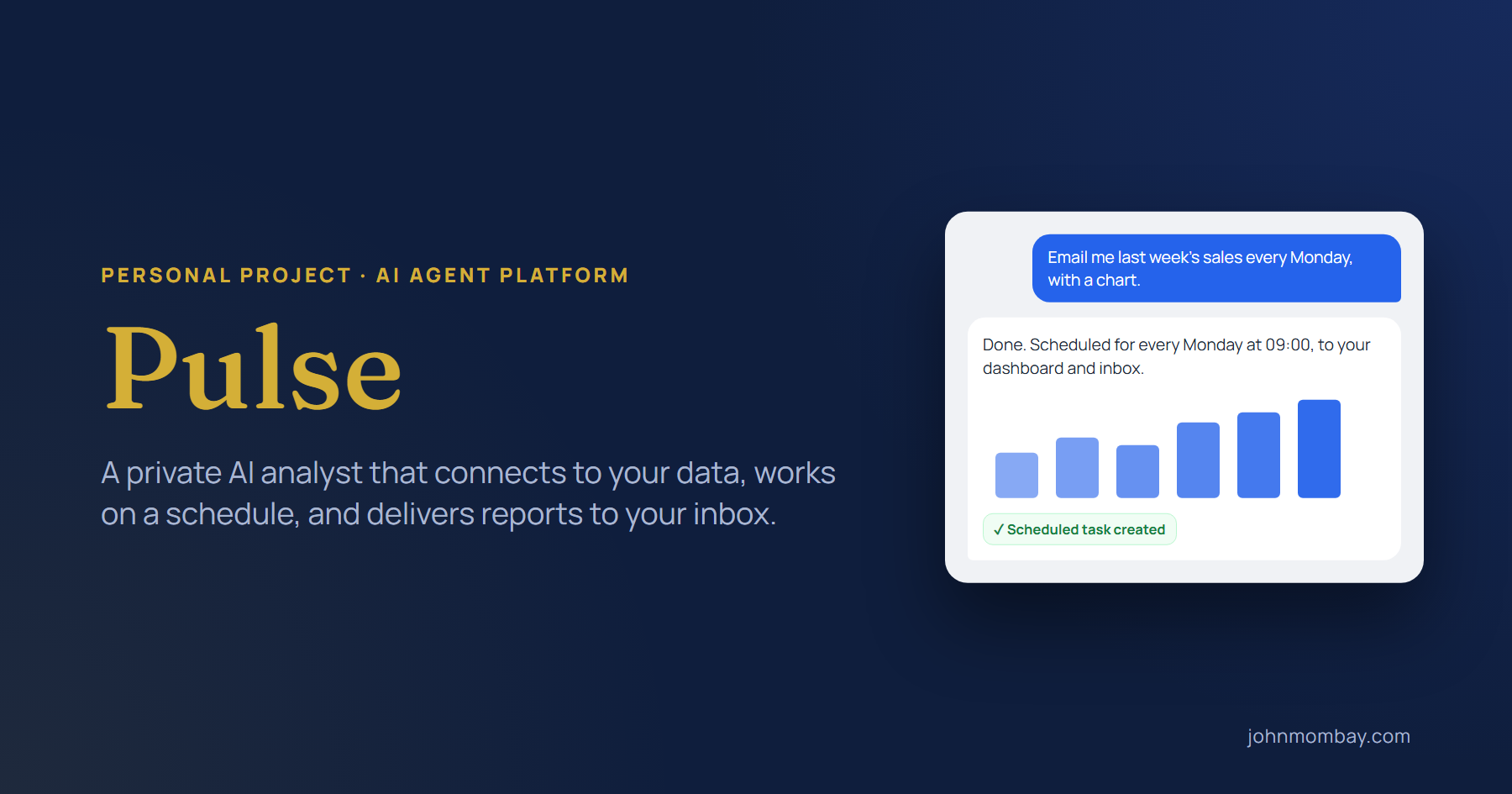
A private, self-hosted AI analyst that connects to your data, works on a schedule, and delivers reports to your inbox.
- .NET 10
- ASP.NET Core
- Semantic Kernel
- Google Gemini
- SignalR
- Hangfire
- SQL Server
- MCP
- Chart.js
- Problem
- The answers are in databases, files and documents, but getting them out means writing SQL, formatting reports and remembering to send them. Most AI assistants can't reach private data, and forget everything between sessions.
- Outcome
- Ask in plain language and get tables, charts, and PDF, Word or Excel files back. Recurring reports run and deliver themselves, workflows chain AI steps with go/no-go gates, and the agent remembers each user's preferences.
Every organization has the same bottleneck. The answers are already in the data, but getting them out takes someone who can write SQL, format a report, and remember to send it every Monday. I built Pulse to be that someone: a private AI analyst that connects to your databases and documents, uses real tools to get work done, and keeps working after you close the tab.
Not a chatbot. An analyst with tools.
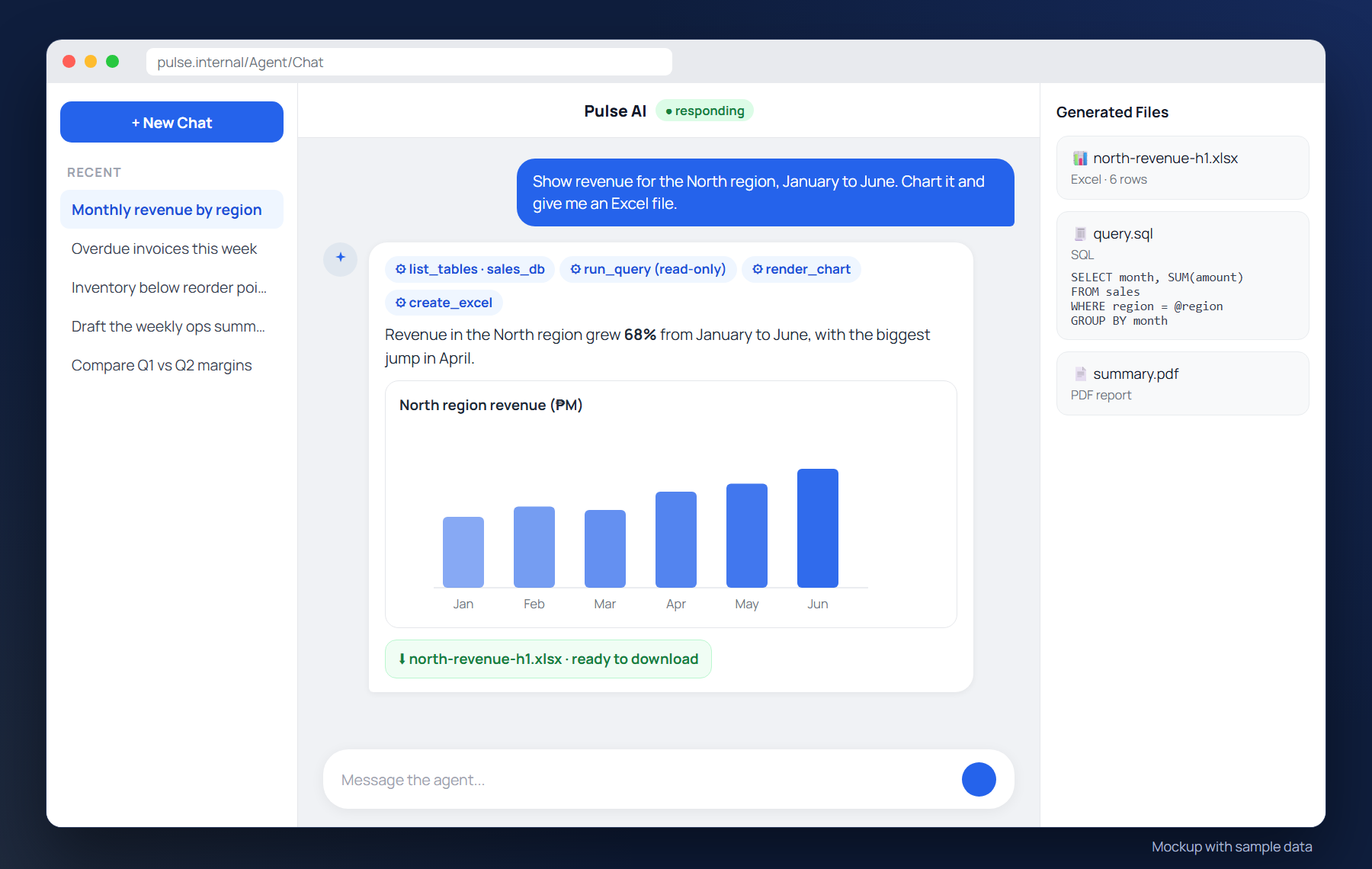
Most AI assistants can talk about your data. Pulse can work with it. Built on Microsoft Semantic Kernel and Google Gemini, the agent decides which tools it needs and runs them itself: it finds the right table, writes a parameterized query, draws the chart, and hands you the file.
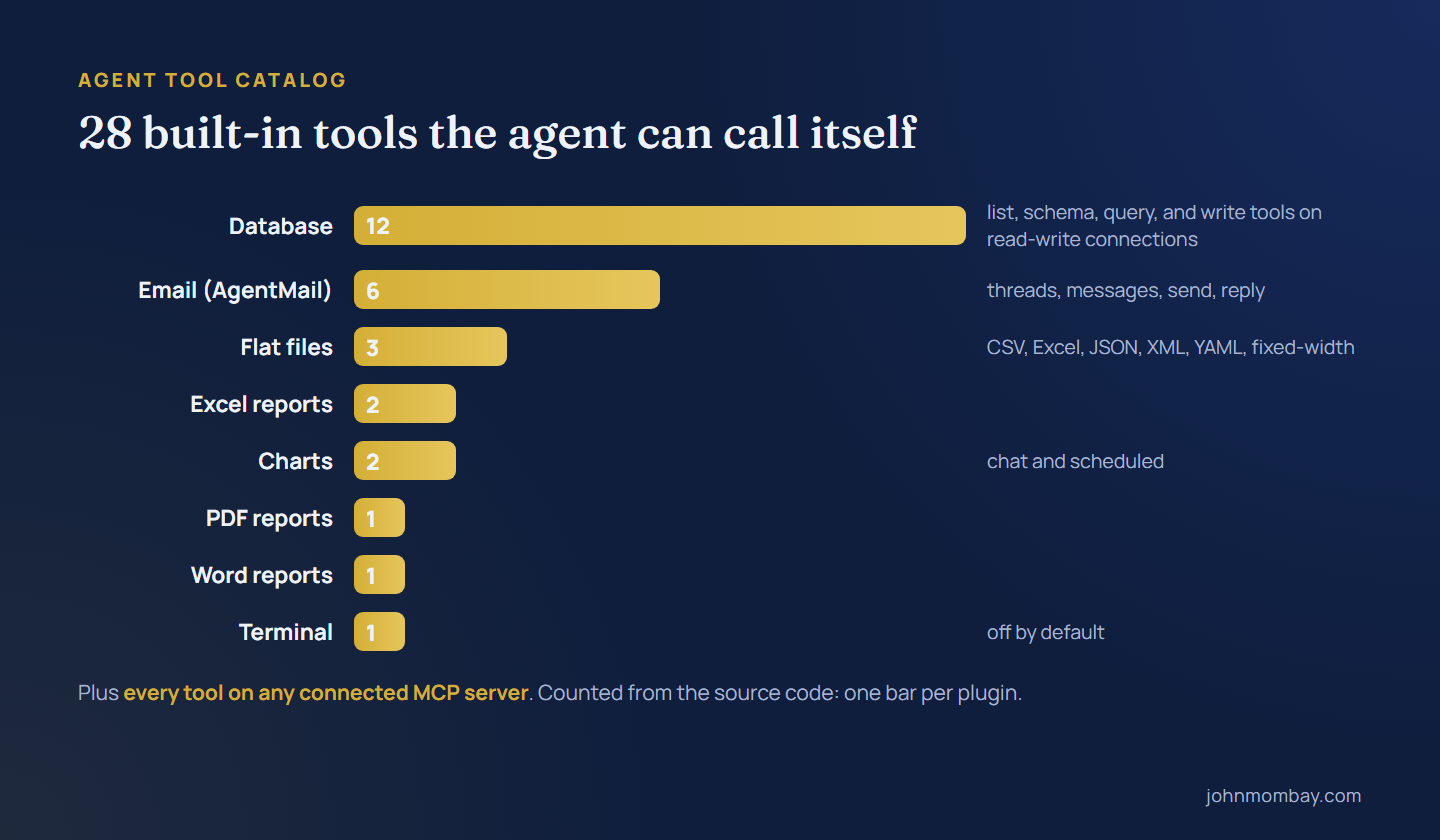
Six database engines: SQL Server, Azure SQL, PostgreSQL, MySQL, MariaDB and Oracle, read-only by default with a row cap on every query.
Seven file formats: CSV, tab-delimited, Excel, JSON, XML, YAML and fixed-width.
Reports on request: branded PDF, Word and Excel files, ready to download.
Interactive charts in the conversation: bar, line, pie, doughnut, radar and scatter, saved with the chat.
Email: read and send mail through an AgentMail inbox.
Room to grow: every tool on a Model Context Protocol (MCP) server becomes available to the agent.
How a question becomes an answer
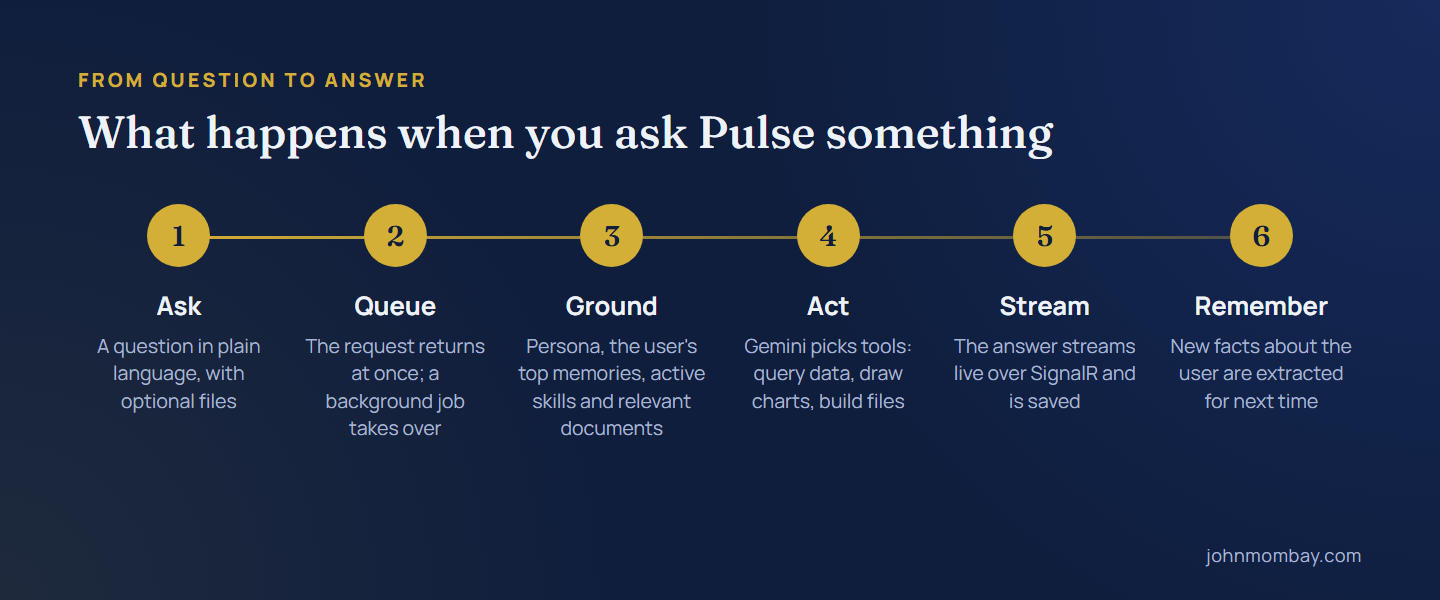
Pulse never leaves you staring at a frozen screen. Your message is handed to a background job, the agent is grounded in who you are and what your organization knows, and the answer streams back word by word while the tools do their work.
Reports that run themselves
The best report is the one nobody has to remember. In the scheduler you describe the job once, such as “every Monday, pull last week's sales and email me a summary with a chart”, and Pulse runs it on its own, delivering to the dashboard, your inbox, or both.
When one instruction isn't enough, workflows chain steps together. The AI executes a step, a decision gate decides whether to continue or stop, a webhook hands off to n8n, Zapier or Make.com, and a workflow can even call another workflow. Every step sees everything the earlier steps produced.

It knows your documents, and it remembers you
Add policies, procedures or reference notes to the knowledge base and Pulse grounds its answers in them. Retrieval is built to keep working even when an API doesn't: if semantic search is unavailable, it falls back to a local index and then to keyword matching.

Pulse also remembers. After each conversation it picks out lasting facts, like your region or the format you prefer, skips anything it already knows, and brings the most important ones into your next session. You can see, edit or delete every memory.
Administrators can add skills: packs of instructions that give the agent a role, such as a business analyst or a formal report writer.
Under the hood

Layer | Technology |
|---|---|
Runtime | .NET 10, ASP.NET Core (MVC and Razor Pages) |
AI orchestration | Microsoft Semantic Kernel, Google Gemini, automatic function calling |
Real time | SignalR streaming |
Background jobs | Hangfire on SQL Server |
Data access | Dapper with SqlClient, Npgsql, MySqlConnector and Oracle drivers |
Documents | QuestPDF, Open XML, ClosedXML, PdfPig, Markdig |
Knowledge | SharpVector in-memory index and Gemini embeddings |
Tools | Model Context Protocol client over HTTP/SSE and stdio |
Identity | ASP.NET Core Identity with two-factor authentication and lockout |
Private by design
Pulse is self-hosted. Your databases stay where they are, and only the prompt and the results it needs travel to the language model. Connections are read-only by default, every query is capped, the terminal tool stays off unless an administrator turns it on, and accounts are protected with two-factor authentication and lockout.
What's next
Pulse works today. The next stage is making it enterprise-ready:
Harden: managed secrets, per-role access to data sources, and an audit trail of every tool call.
Scale: shared storage and a distributed cache, so Pulse can run on more than one server.
Enrich: time-zone-aware schedules, PDF and Word files in the knowledge base, and skills and data sources per team.
Operate: an automated test suite, health checks, and usage and cost tracking.
Pulse started with a simple question: what if the analyst never clocked out? Give an AI the right tools, a schedule and a memory, and it gets surprisingly close.